Interiors · real budget · real furniture
Your room, furnished — and the list to buy it.
A photo, a style, a budget. Cocooning first picks real pieces on sale, places them in your room, and gives you every price and every link — the total never exceeds what you set.
- pieces on sale
- 9,095
- shops
- 729
- per render
- ~40 s
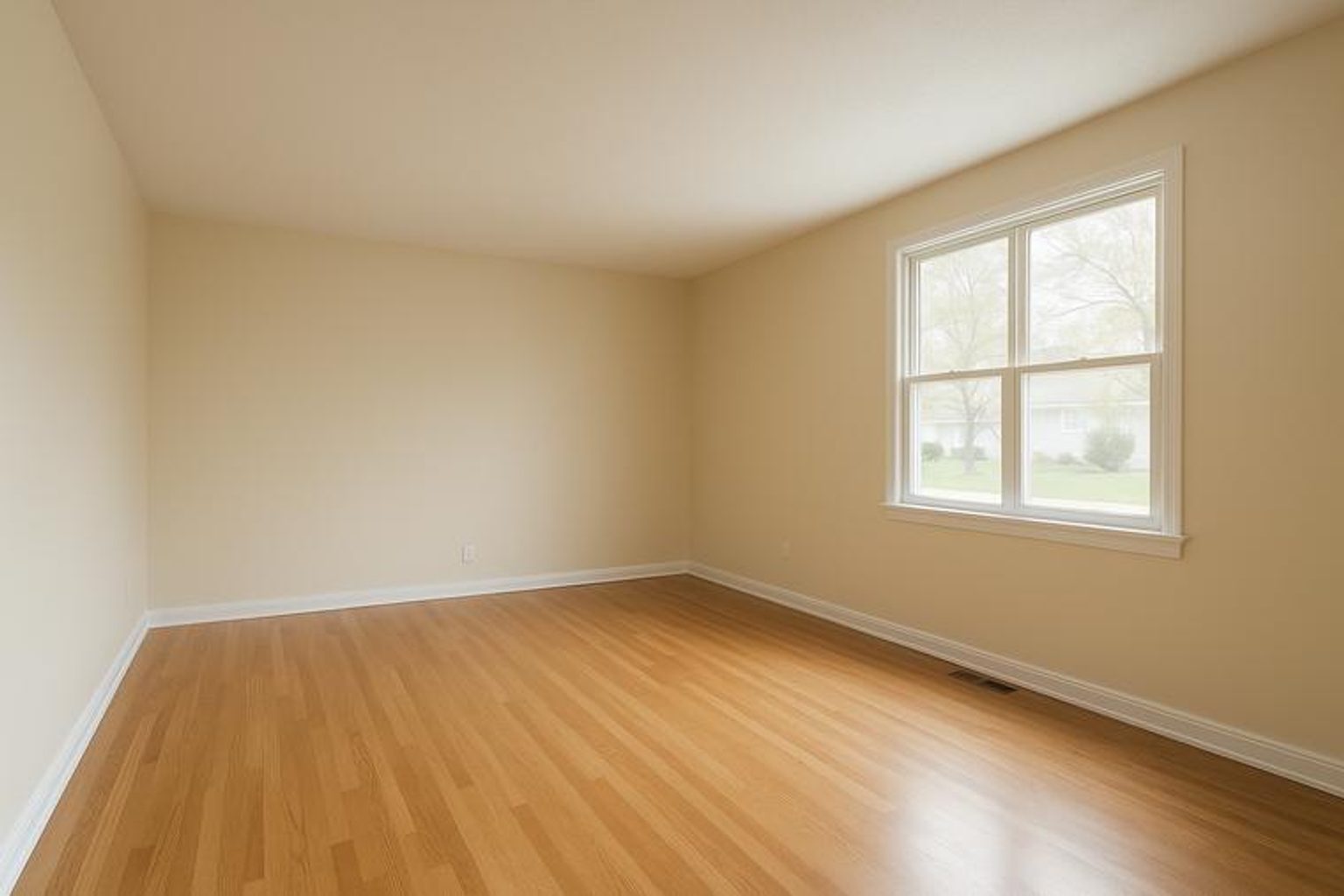
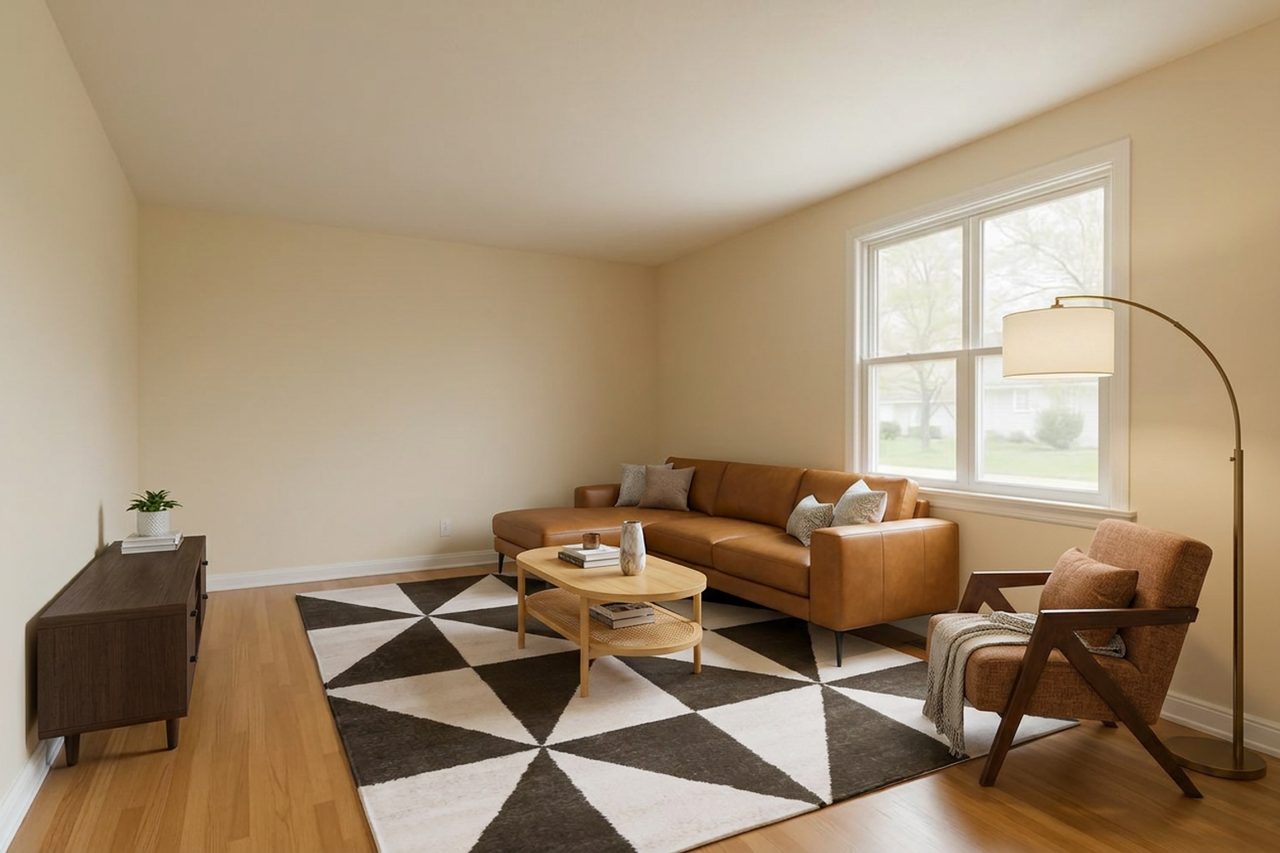
What is in the picture
$2,079.96 / $2,500
Tap a piece to remove it: the total recalculates.
Furnish my room, mid-centuryThe difference
Others draw a room. We price it.
Decor generators invent pretty furniture that does not exist, then leave you hunting for look-alikes. The budget is fiction.
Here it runs the other way: the budget is first split the way a designer would (seating, rug, light…), real products are picked for each share, and only then is the room drawn. What you see, you can buy.
How it works
- 1
Take a photo
One corner of the room, landscape. We read the floor and walls so they stay untouched.
- 2
Set style and budget
Six styles, the amount you choose. What the catalogue cannot furnish is said before you upload.
- 3
Get the board
The furnished room and the list: each piece, its re-checked price, its shop, its link.
Pricing
See it free. Buy the list.
No account, no subscription for individuals. A render our check refuses is never charged.
Preview
$0
One room, to see it
- Low-definition render, watermarked
- The total against the budget
- 2 pieces detailed on the list
This room
$4.90
One-off
- HD image, no watermark
- Full list: reference, shop, link
- Replace, add, remove + 2 re-renders
- Board PDF, share page, 3D view
Home · 5 rooms
$14.90
$2.98 per room · credits never expire
- Everything « This room » unlocks, ×5
- Living room, bedroom, office… or 5 styles of one room
- No subscription
Designers, home stagers, agents
Cocooning Pro
- 40 rooms a month, all unlocked
- Up to 10 furniture pieces per render, add and replace
- Edits and re-renders included
- Client PDF under your name, no watermark or Cocooning mark
- Share pages for your clients
- Cancel in two clicks (Stripe portal)
$249 / year
$20.75 a month · 28% less than monthly
Tax included · Stripe invoice in your name
What does a furnished room really cost?
Living room
Mid-range : $4,221.17
$2,003.50 – $7,887.49
Bedroom
Mid-range : $3,103.83
$1,477.82 – $6,512.16
Dining room
Mid-range : $4,141.71
$2,110.65 – $7,467.33
Home office
Mid-range : $2,192.60
$1,074.46 – $4,430.09
Questions
Do the pieces really exist?
Yes. Every piece in the render is a product on sale, chosen from 9,095 items at 729 shops. When the list is built, the price is re-checked at the shop; a piece taken off sale is replaced by the next one that fits the budget.
What is free?
One preview per browser: the low-definition render with a watermark, the total, and two pieces in detail. For the HD image, the full list with every link, the PDF and edits: $4.90 per room, or $14.90 for 5 rooms. No account, no subscription.
What if I don't like the render?
An unlocked room includes 2 re-renders: replace a piece from the catalogue, remove one, add one, then redraw. A render our check refuses is never charged.
What happens to the photo of my home?
It is used for the render, without its GPS data, and kept with it for 30 days so you can edit it, then deleted. It is never published unless you share the room's page yourself.
Is the render accurate to the inch?
It is an illustration: proportions and colours can differ from the real product, and small decor items are added for the photo. What is guaranteed: every visible piece of furniture is on the list, at the price shown. Check dimensions on the shop's page before buying.
I'm a designer: does it work for my clients?
Pro gives 40 rooms a month, edits, and a client PDF under your own name, with no watermark or Cocooning mark. Cancel in two clicks.
Your empty room deserves better than a Pinterest board.
Furnish my roomFree preview · about 40 seconds · no account